
The RPG that lives on your desktop.
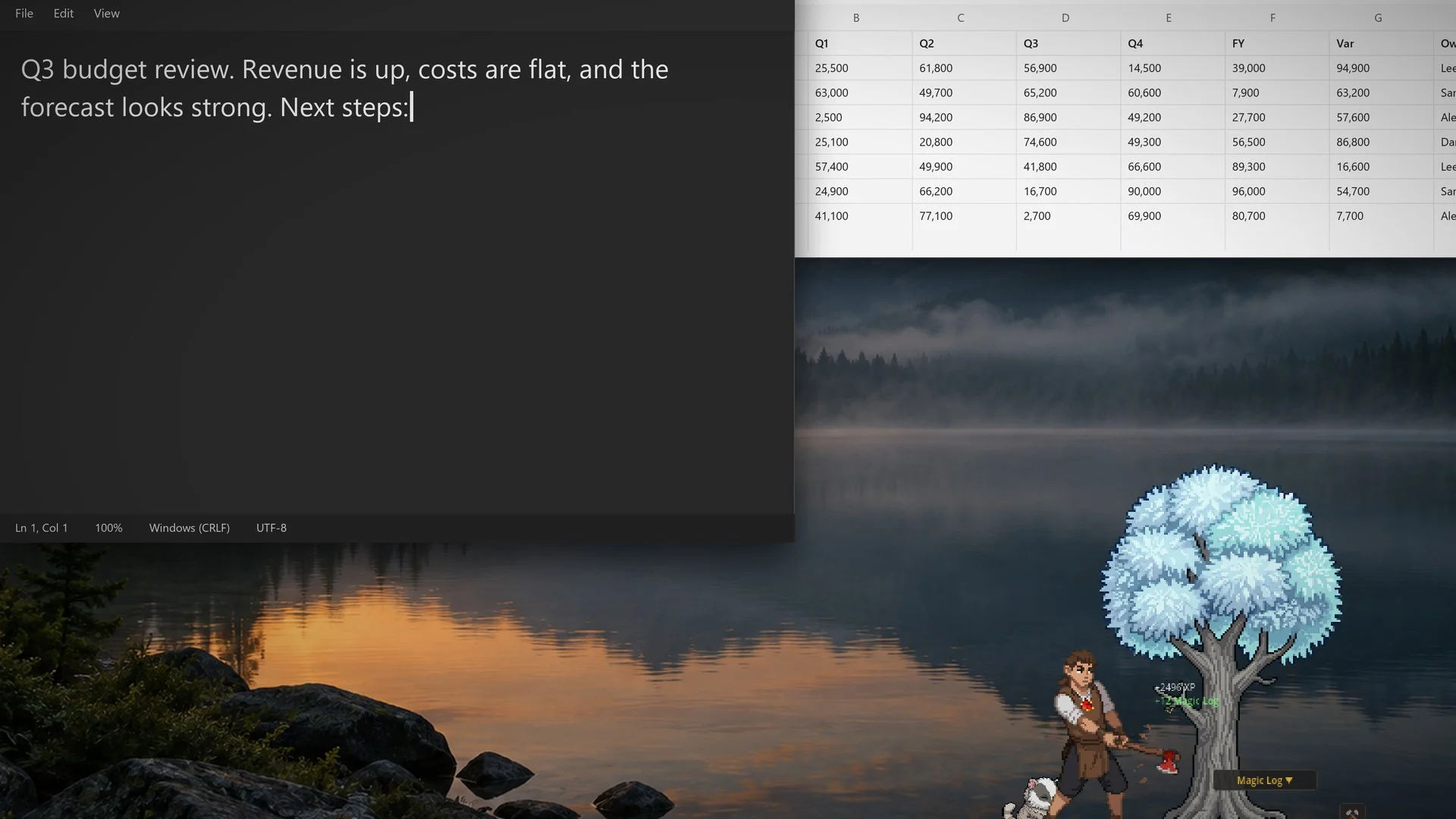
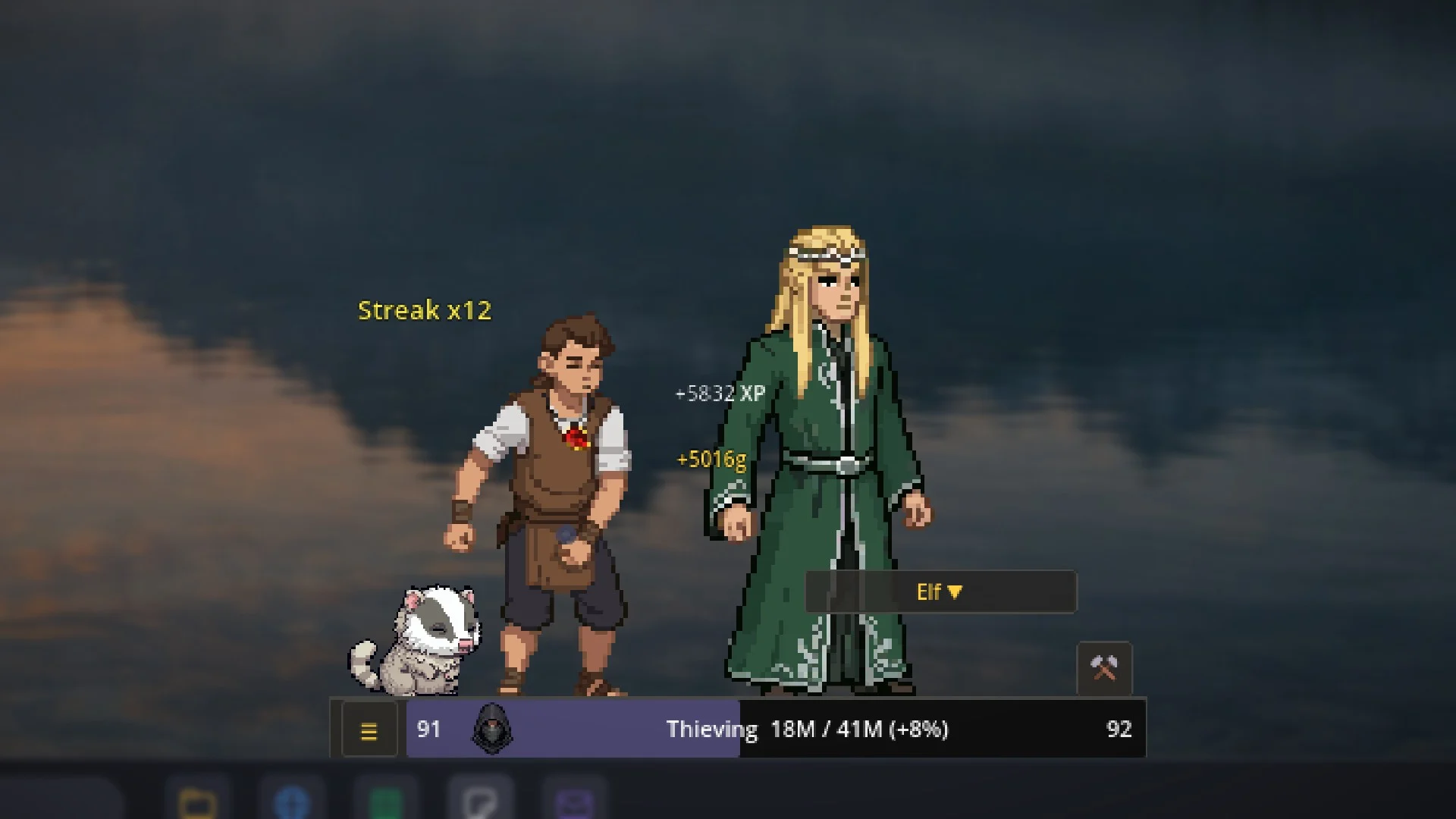
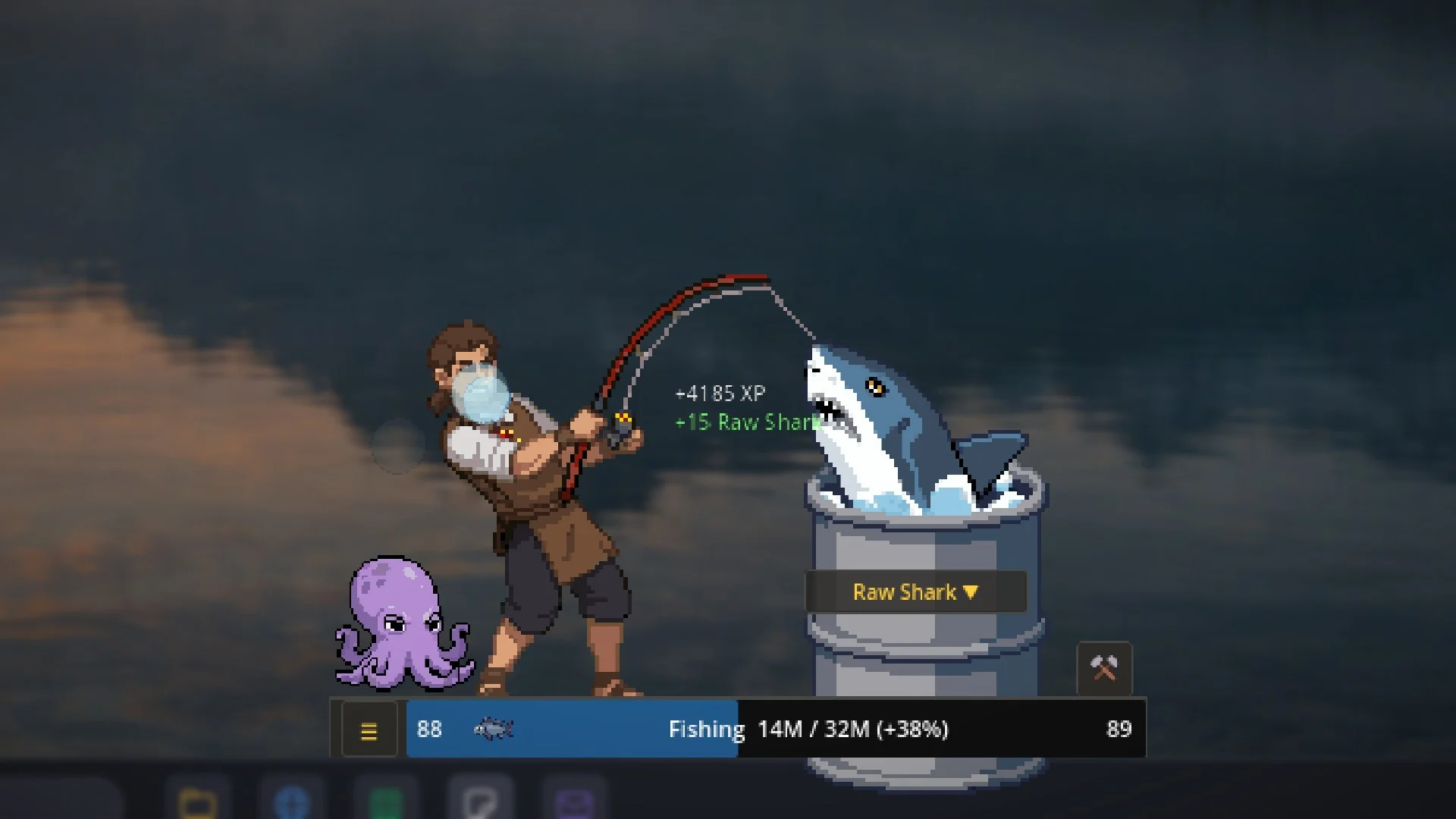
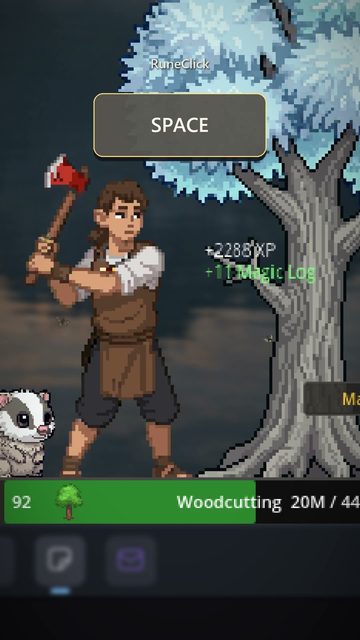
Every key you press is XP. Type an email and he chops a tree. Click through a spreadsheet and he mines ore. No autoplay, no offline gains.
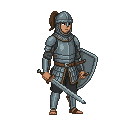
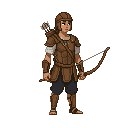
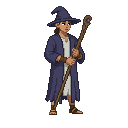
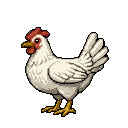
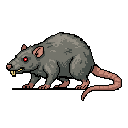
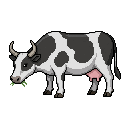
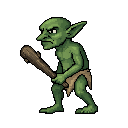
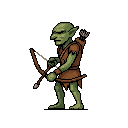
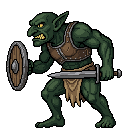
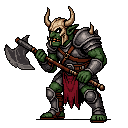
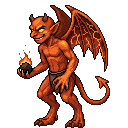
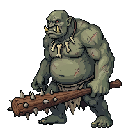
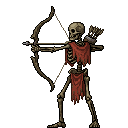
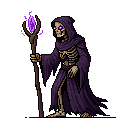
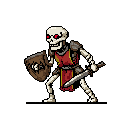
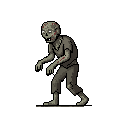
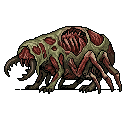
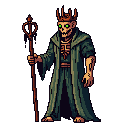
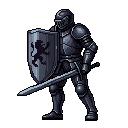
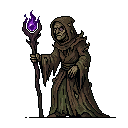
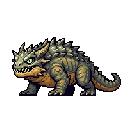
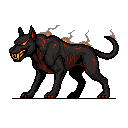
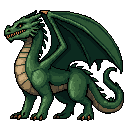
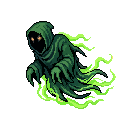
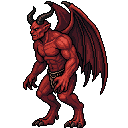
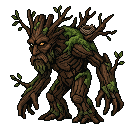
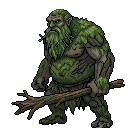
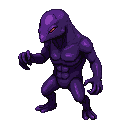
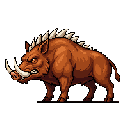
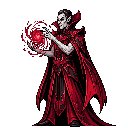
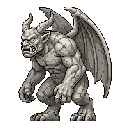
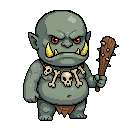
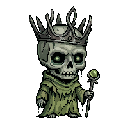
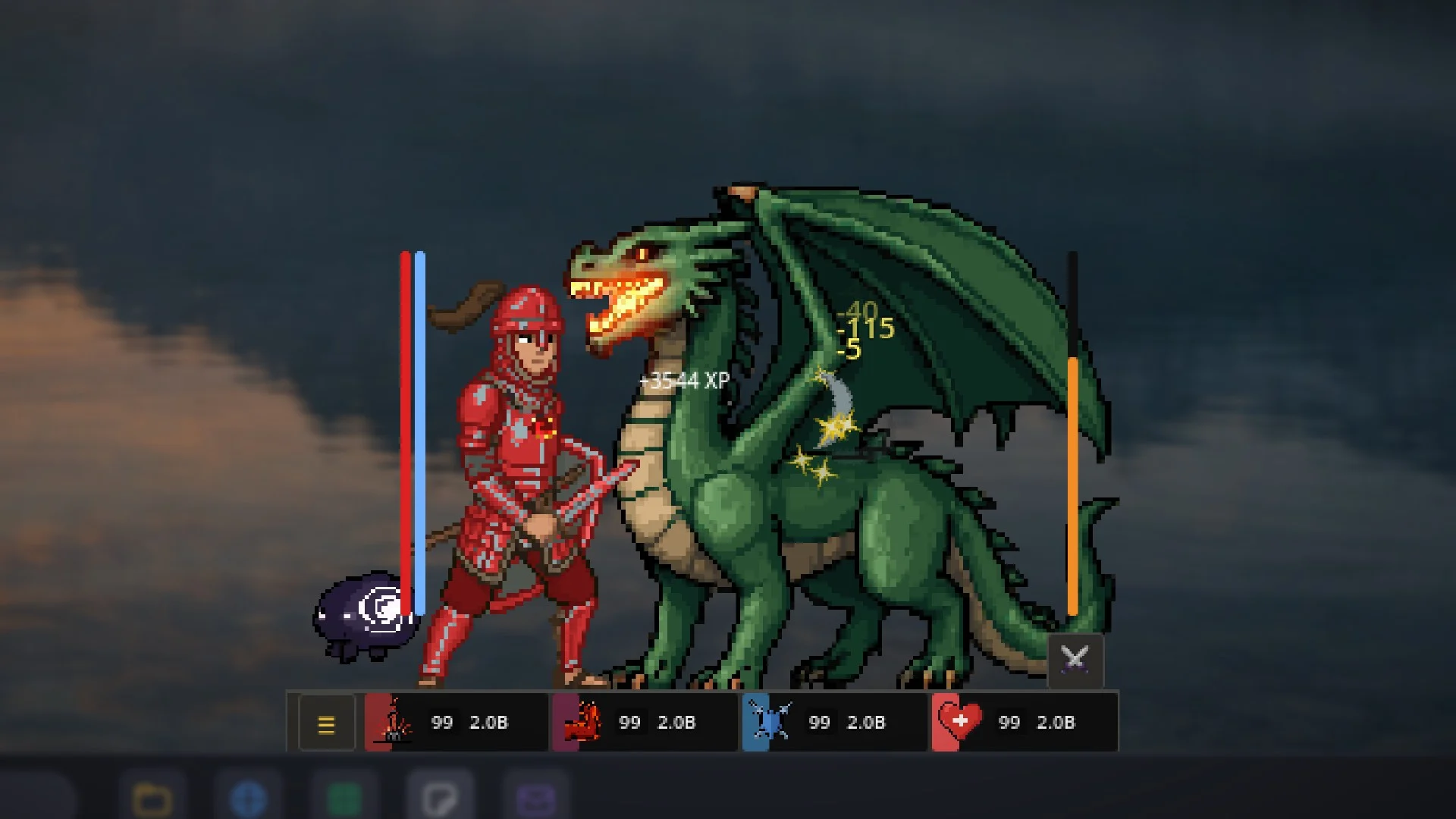
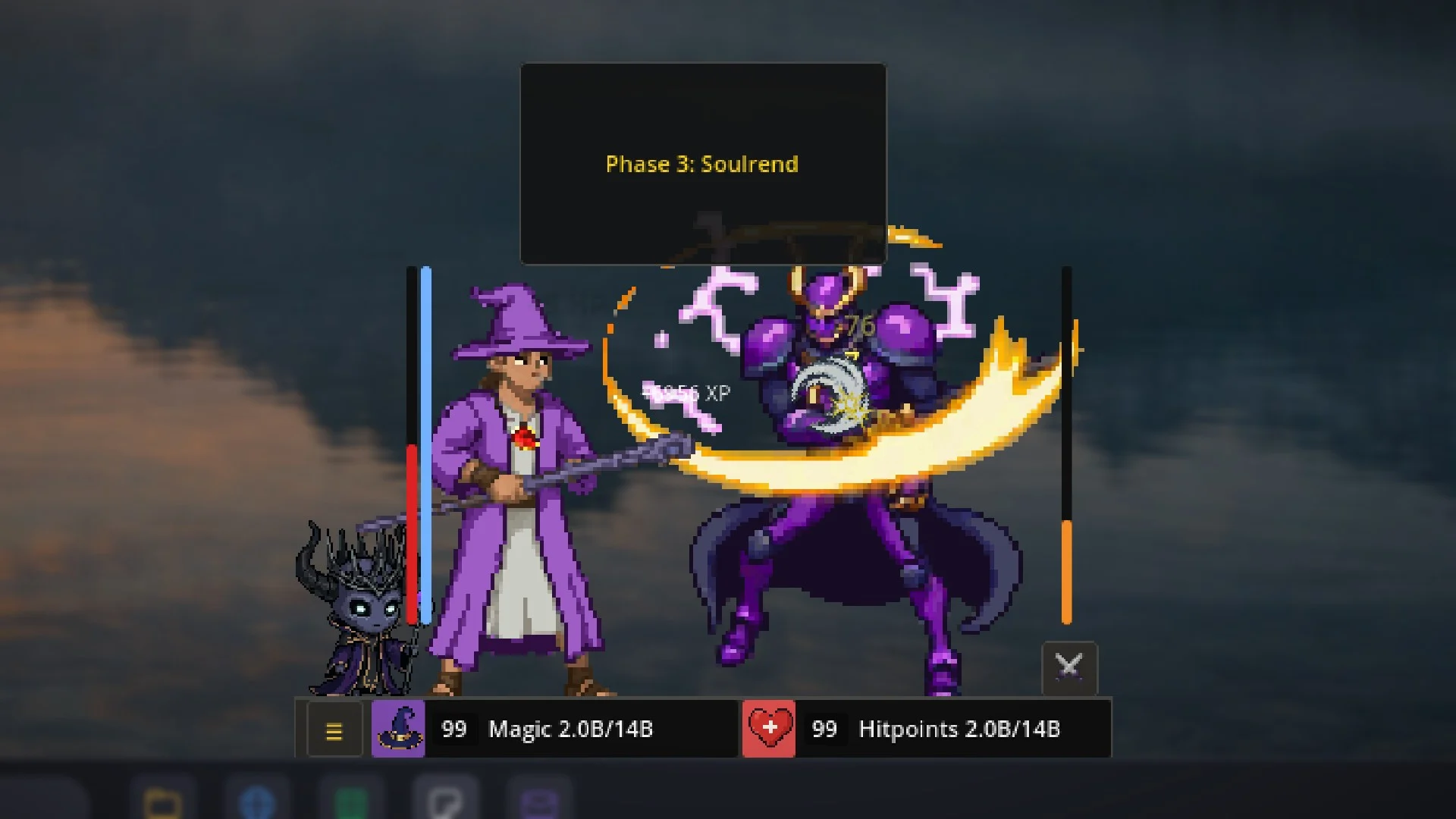
Every hero, enemy, and pet is its own custom pixel-art sprite, animated frame by frame.
A little adventurer on top of your taskbar.
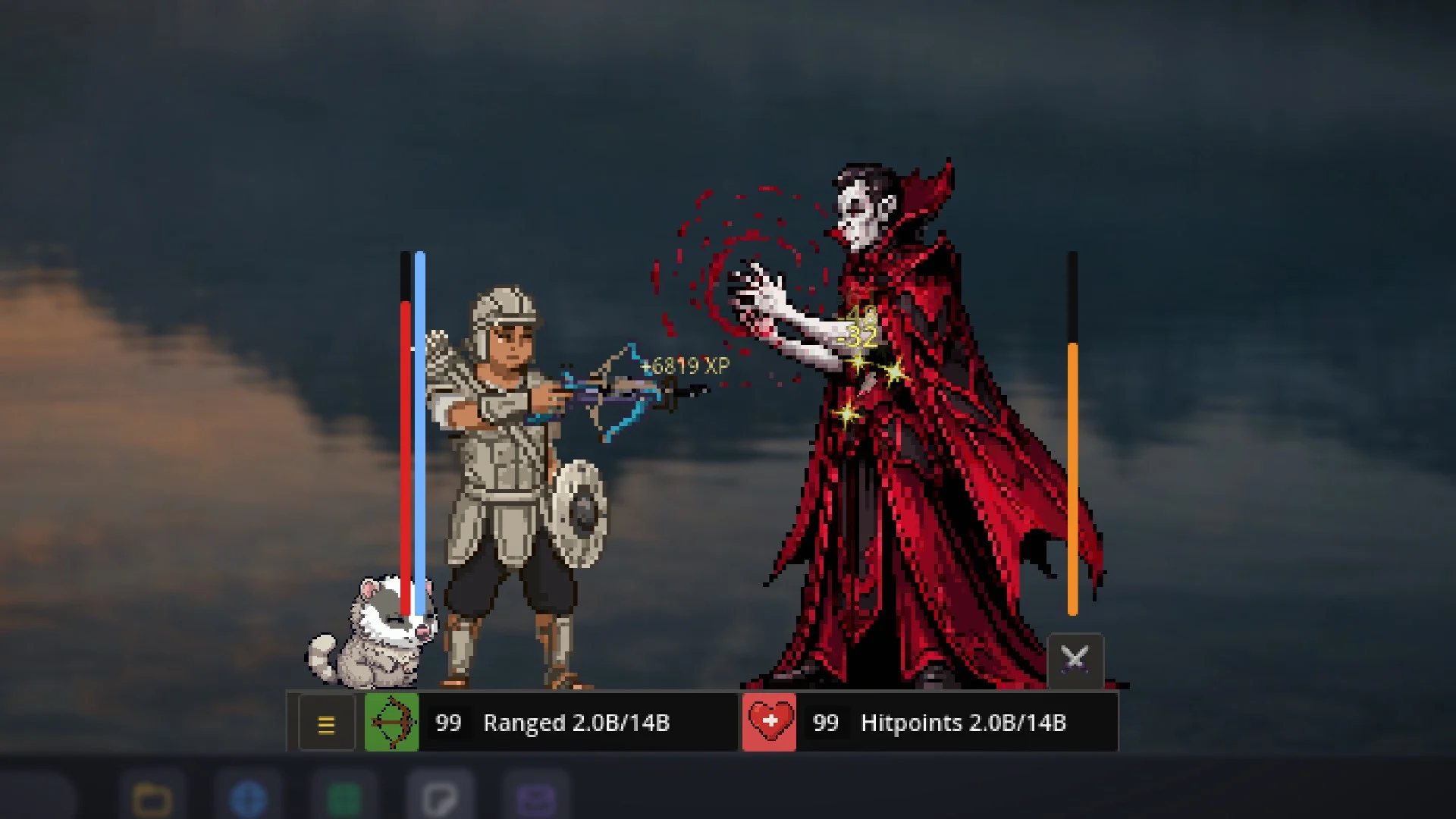
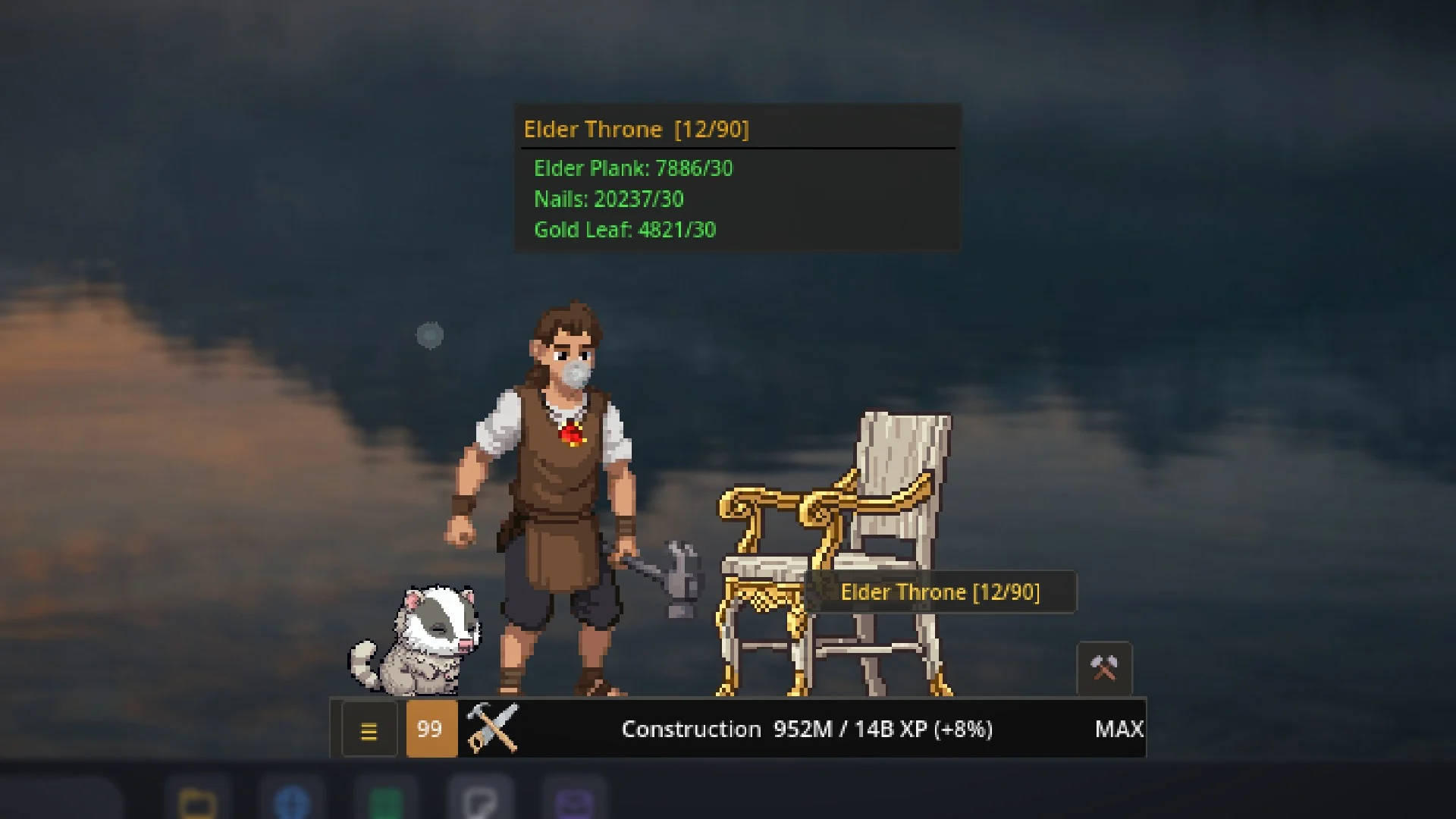
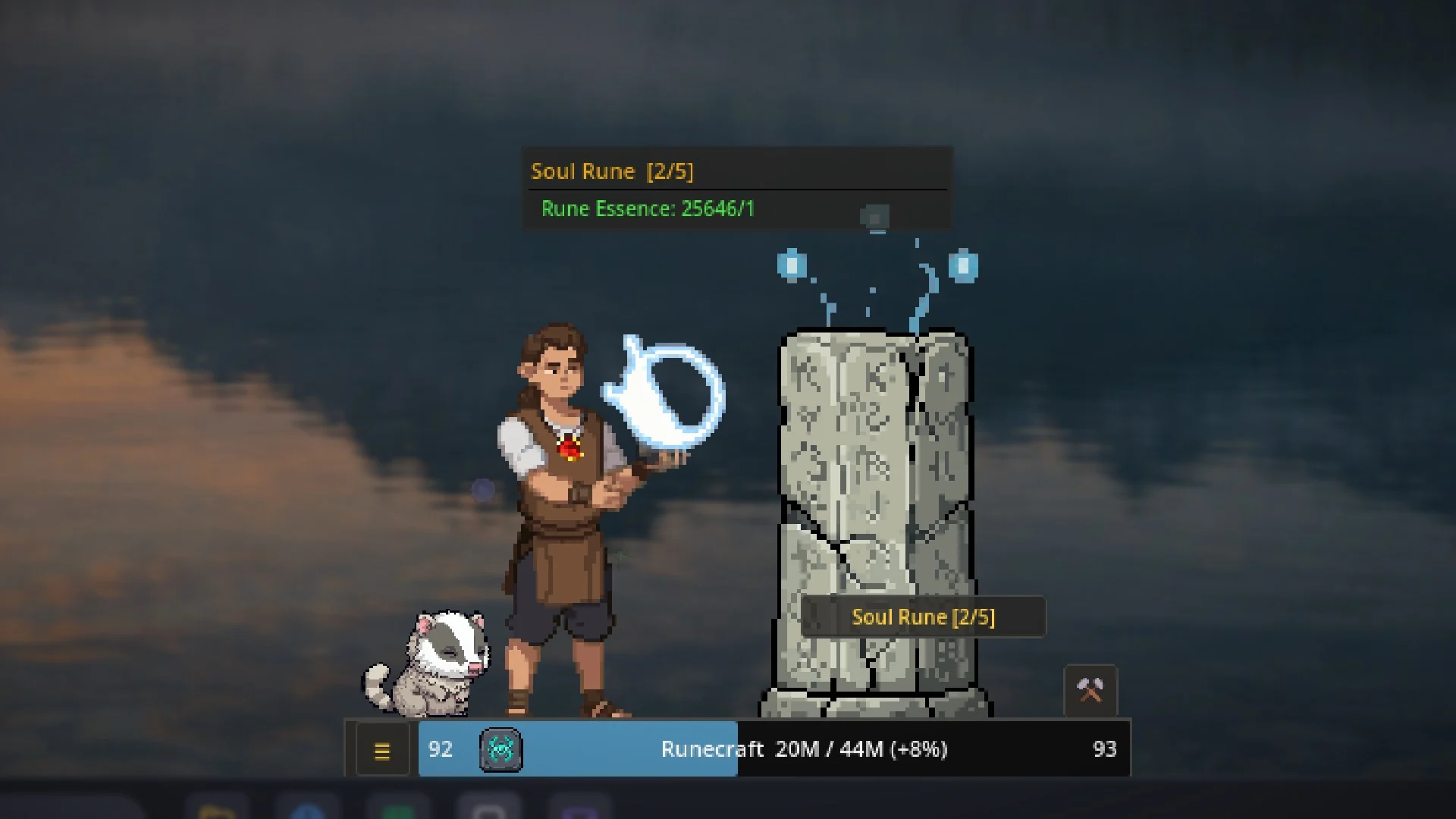
RuneClick is an RPG that levels up while you use your computer. A pixel art adventurer sits on your taskbar and reacts to your real keyboard, mouse and controller.
Work, study, or play something else, and he chops, mines, fishes or fights while you do. Walk away and he waits for you. Every level is earned, one keystroke at a time.
- 23Skills
- 38Enemies
- 5Bosses
- 14Pets
- 98Achievements
- 26Leaderboards
Watch the 3.0 trailer.
What players say.
9 of 9 Steam reviews recommend RuneClick.
“This is an excellent idler game, especially if you work at a desk. … It's neat to work all day with this thing going and check back and see that you've typed over 30k keystrokes/clicks in a single day.”
140 hours at review · Read the review on Steam
“Very fun I always just have it running, love just seeing my guy doing his tasks in the corner as I'm gaming, or working on a project. Controller support was a great addition!!”
53 hours at review · Read the review on Steam
“… runs smoothly and is lite on system resources. The interface is very clean and the incremental feature is well thought out.”
61 hours at review · Read the review on Steam
The grind is real.
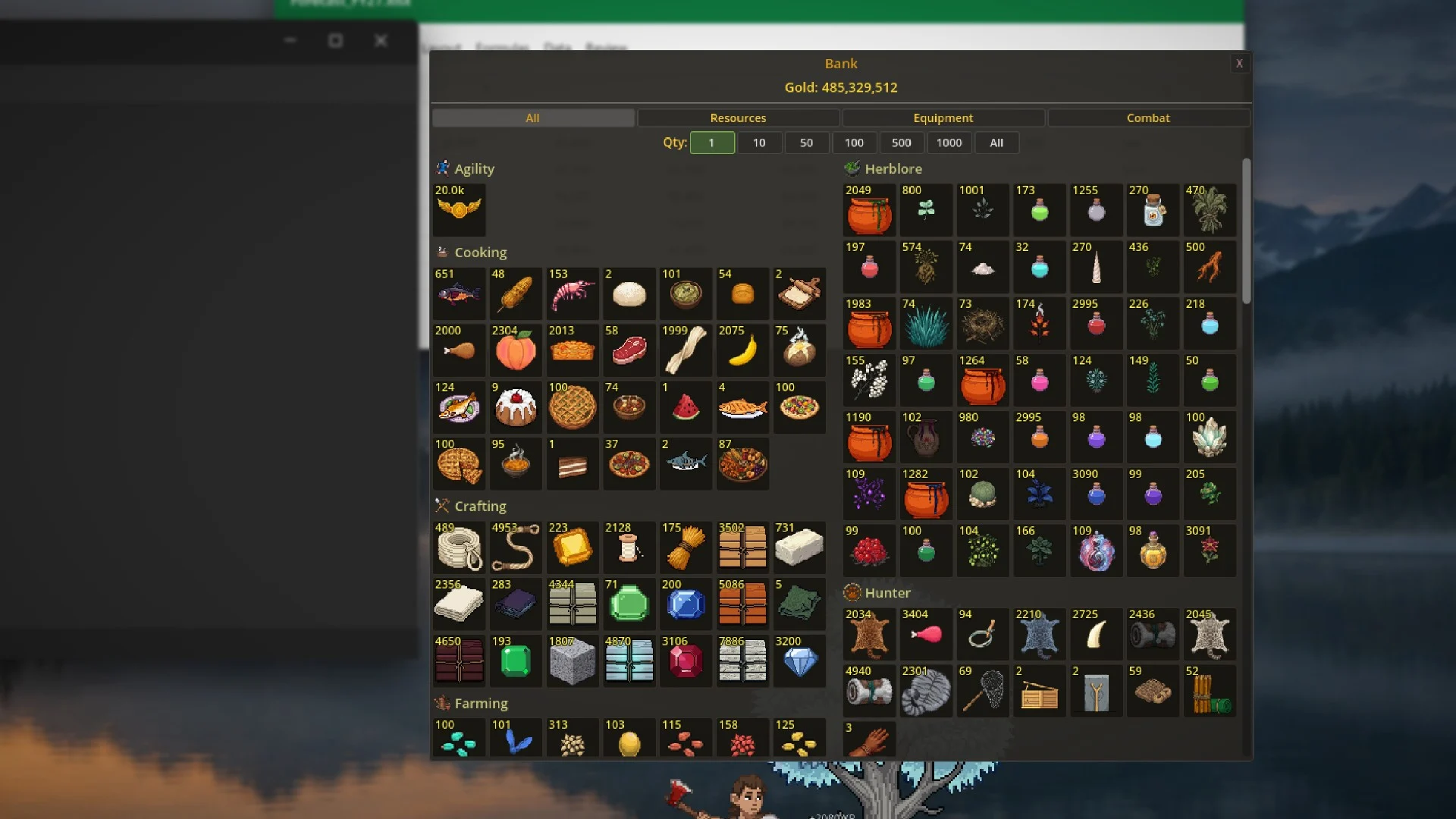
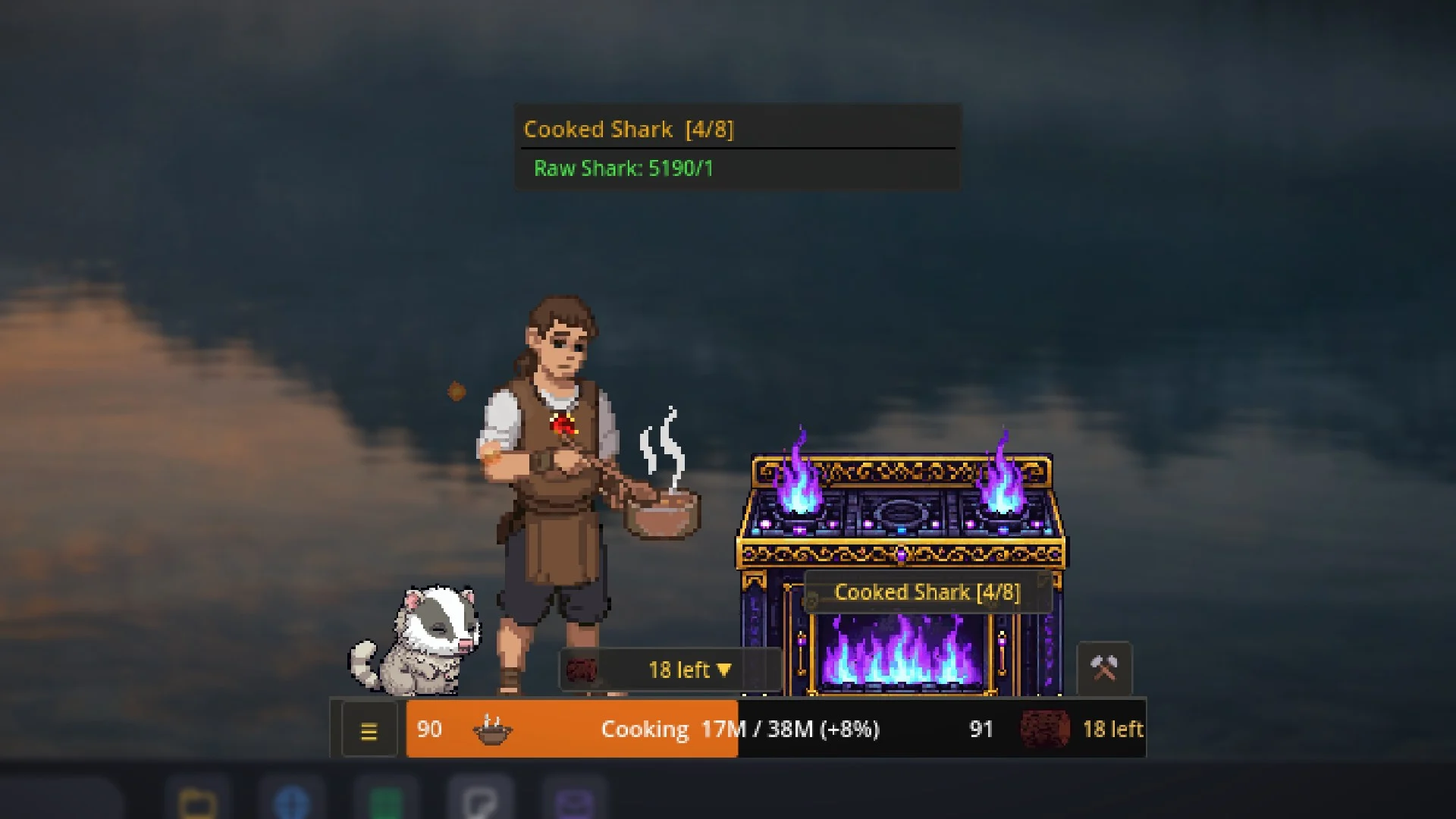
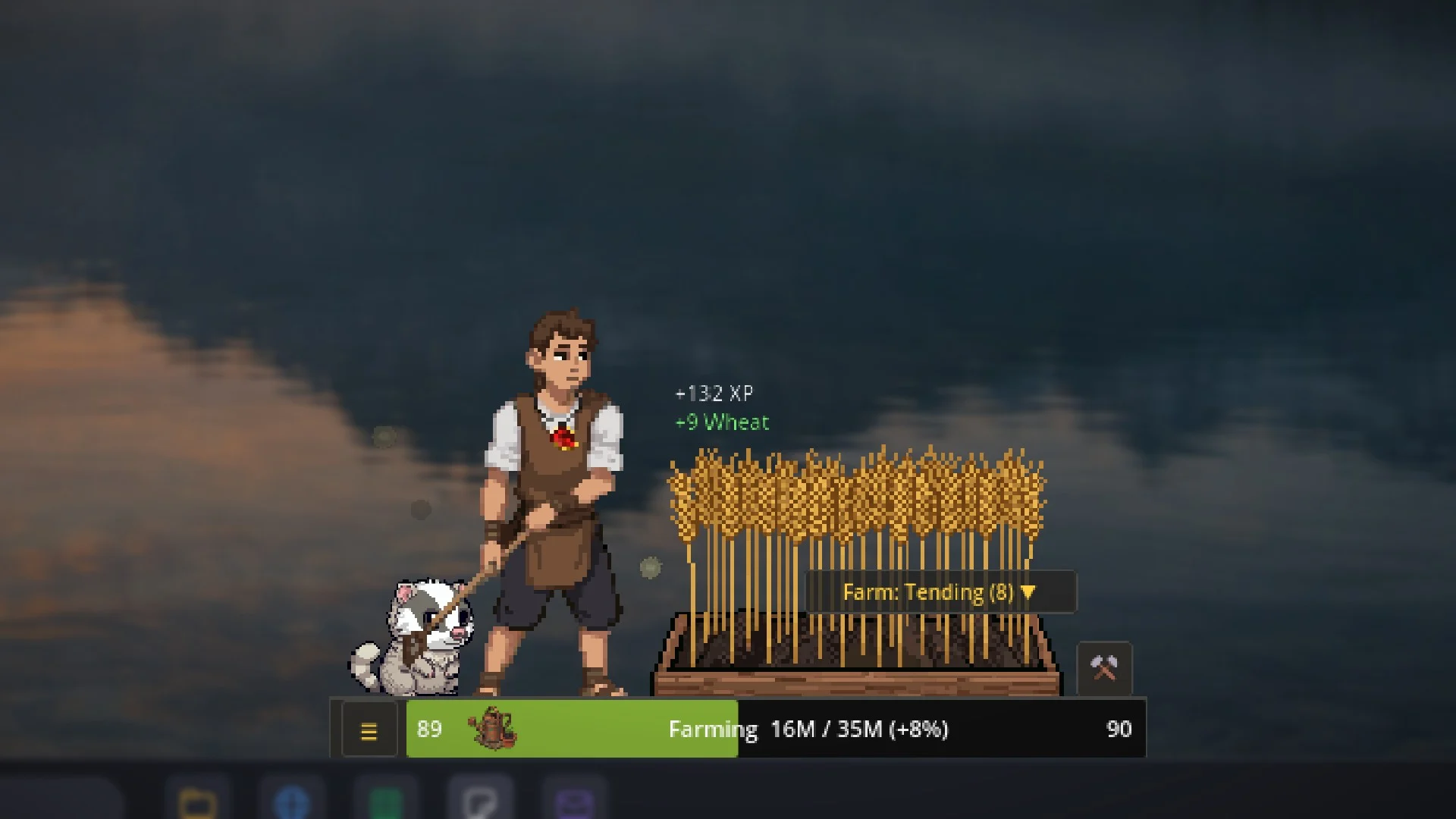
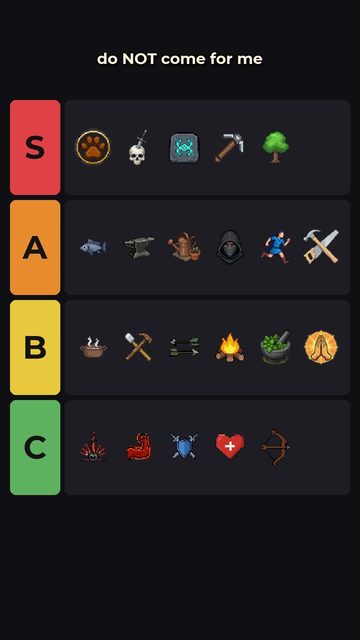
23 skills, and every one feeds another. Woodcutting fuels Firemaking, Fletching and Construction. Mining supplies the forge. Fishing and Farming stock the kitchen, Herblore turns herbs into potions, and Runecraft makes the runes you cast.
Every skill caps at 99, and the XP keeps counting after that.
 01Attack
 02Strength
 03Defence
 04Hitpoints
 05Ranged
 06Magic
 07Prayer
 08Runecraft
 09Woodcutting
 10Fishing
 11Mining
 12Smithing
 13Crafting
 14Cooking
 15Fletching
 16Thieving
 17Farming
 18Herblore
 19Firemaking
 20Construction
 21Slayer
 22Hunter
 23Agility
Fight back.
Pick a style and go. The combat triangle matters, so bring the right style to the right fight.
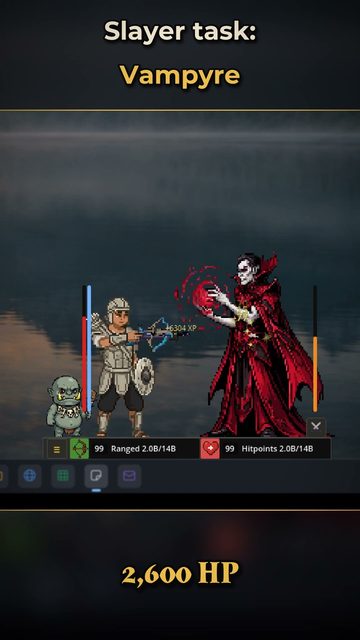
Bosses change phases and weaknesses mid-fight. Slayer masters hand out tasks and unlock monsters that need the right gear to beat.
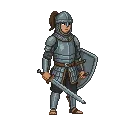
Melee
Four stances that shape which stats you train. Plate up and close the gap.
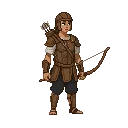
Ranged
Bows and crossbows, firing arrows and bolts you fletched yourself.
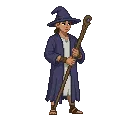
Magic
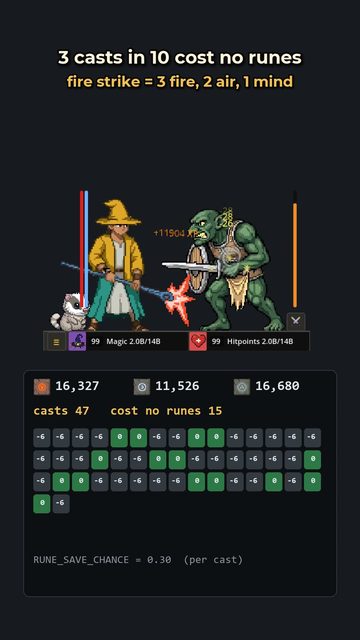
18 spells, powered by runes you crafted at the altar.
From chickens to the Chaos Elemental.
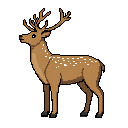
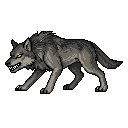
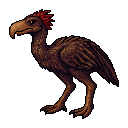
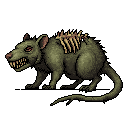
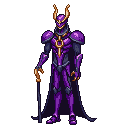
38 enemies, five of them bosses, each with drops worth chasing. The best loot waits at the top: the full Dragon armor set, the materials for Elder weapons, and five tiny boss pets.





Gear up.
Smith armor across six metal tiers from Bronze to Rune, then chase Black, Granite and Dragon from the monsters that carry them. Craft seven tiers of leather and hide for Ranged, and stitch robes for Magic.
Forge tools that gather faster, cut gems into jewelry with passive bonuses, and cook food and brew potions that give you an edge. Four gear presets swap you between skilling, melee, ranged and magic in one click.
The polish update.
No new skills this time. 3.1 goes back over everything already in the game: selling in the shop, fewer clicks for common things, a game that tells you more, a balance pass across the skills, three new Magic robe sets, and an art pass on the pieces that fell behind the rest.


Hunt, train, enchant.
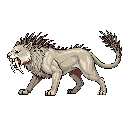
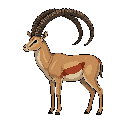
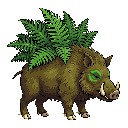
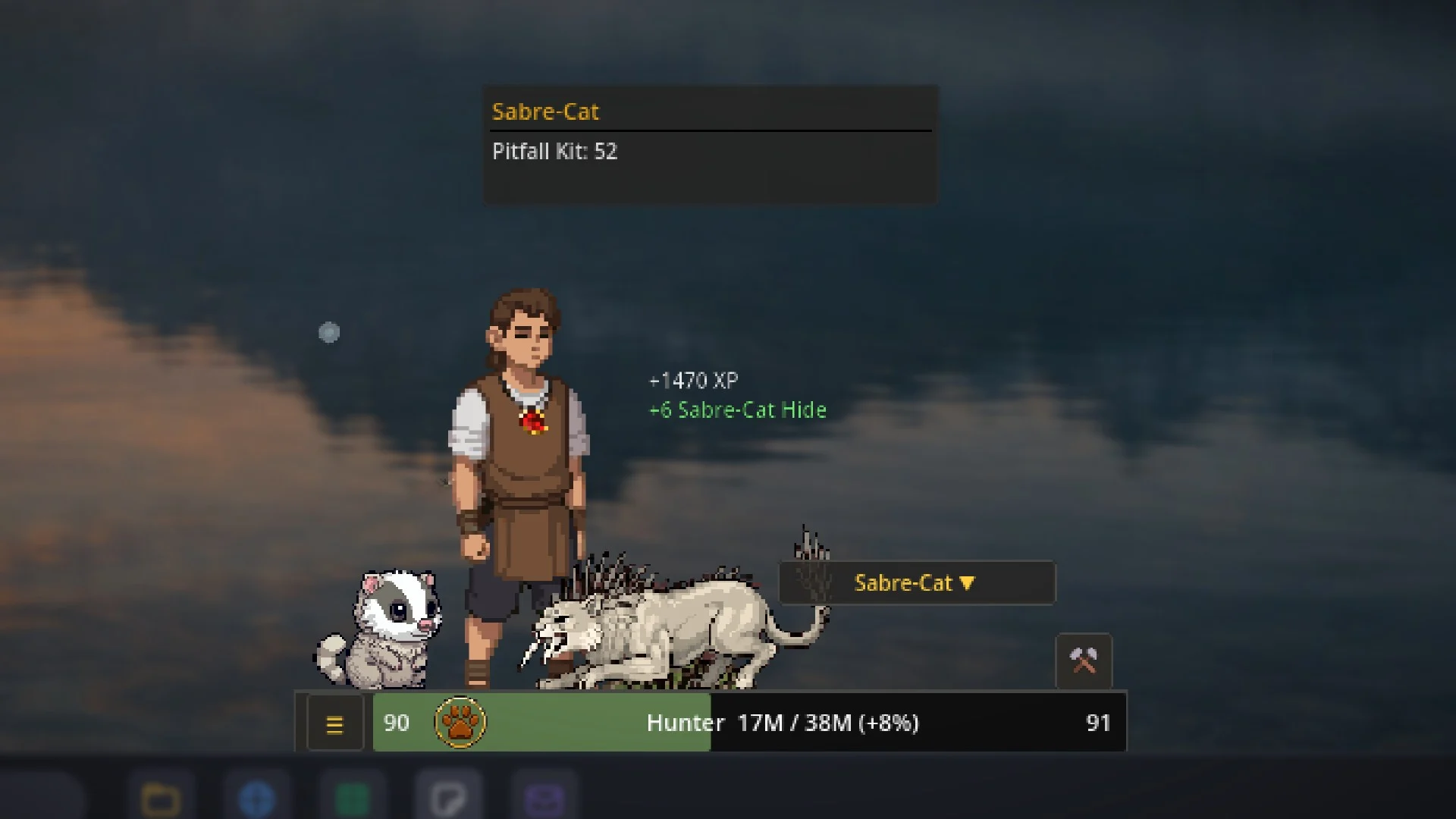
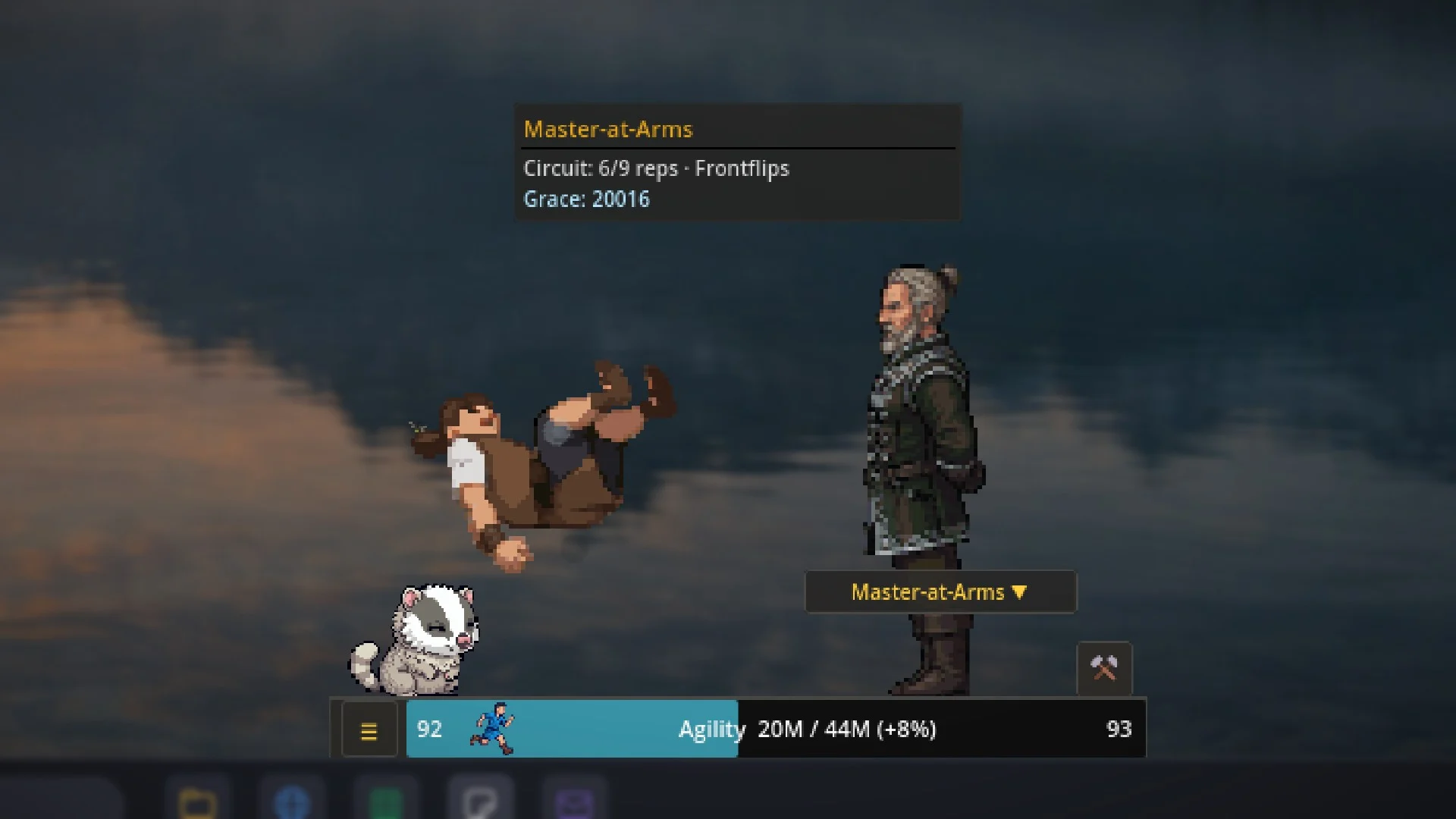
Hunter and Agility are the 22nd and 23rd skills, and they complete the roster. Hunter has 32 creatures to snare, net and trap across 8 methods, from songbirds to sabre-cats to salamanders you can fight with. Agility puts you through drills with 8 coaches, from leg lifts to backflips.
Crossbows and enchanted bolts join Ranged. Spellcraft lets Magic enchant your jewelry and bolts and turn spare loot into gold. And every PC now holds three separate characters.
HunterSkill 22AgilitySkill 23


Every level counts.
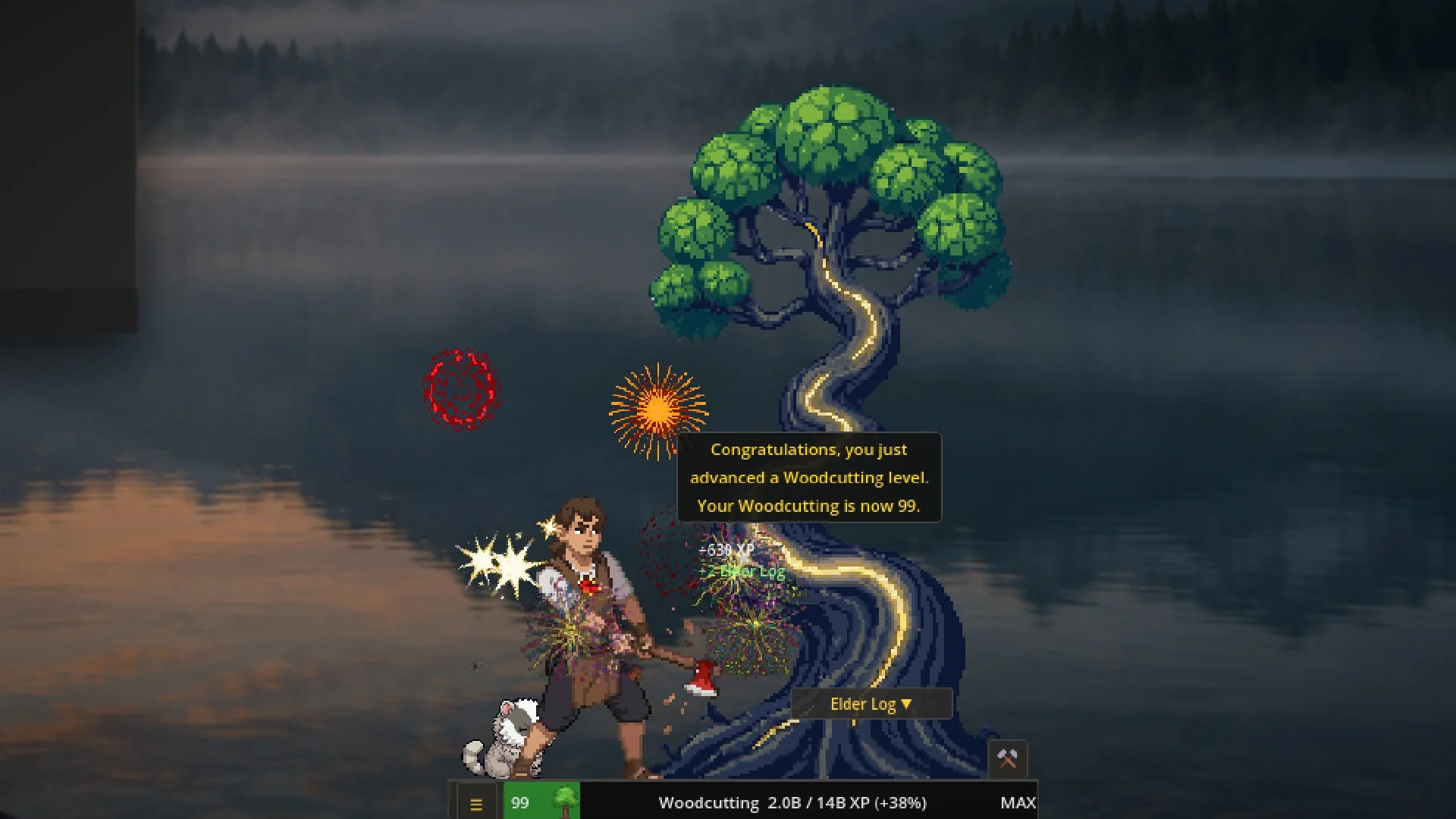
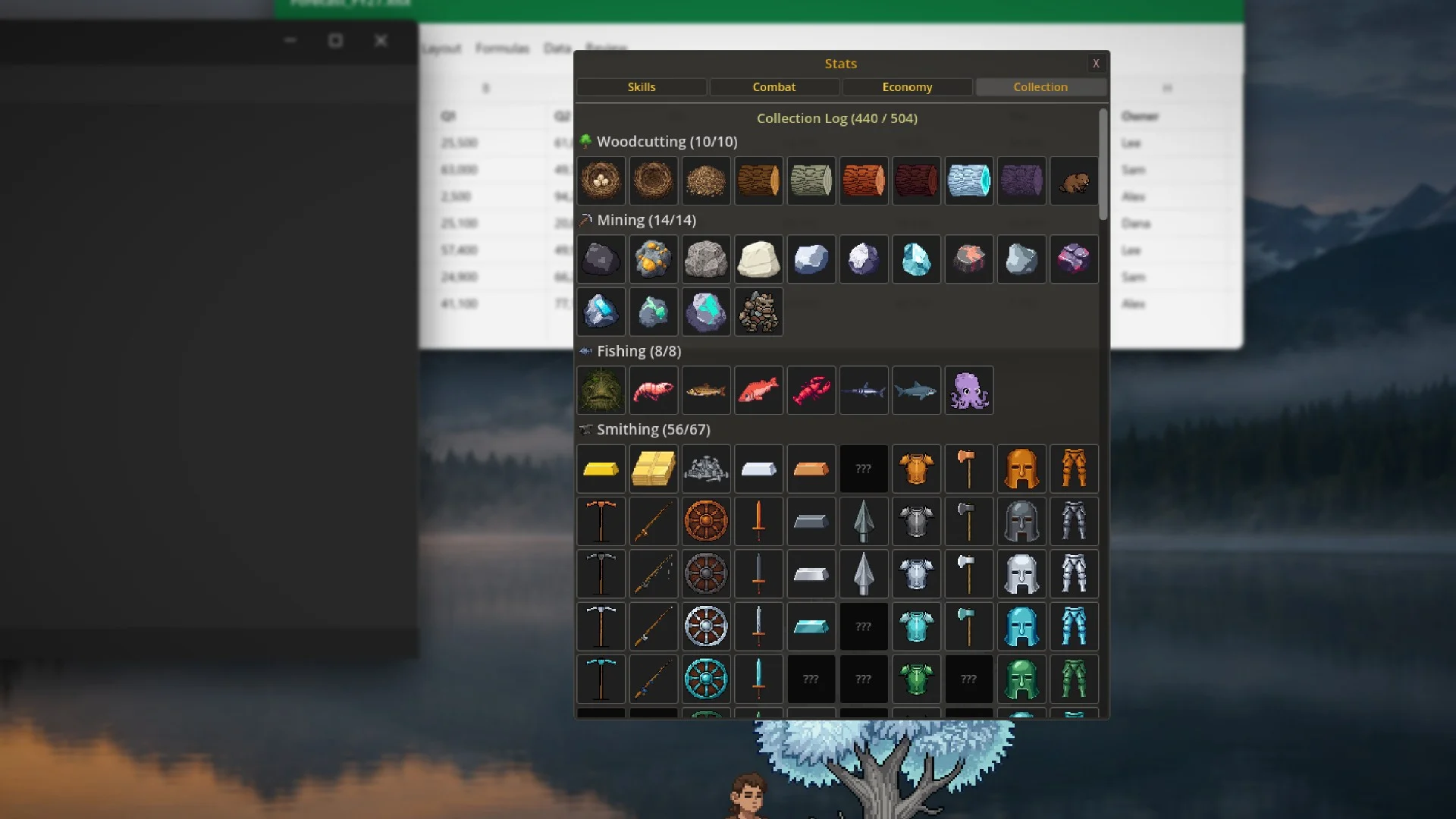
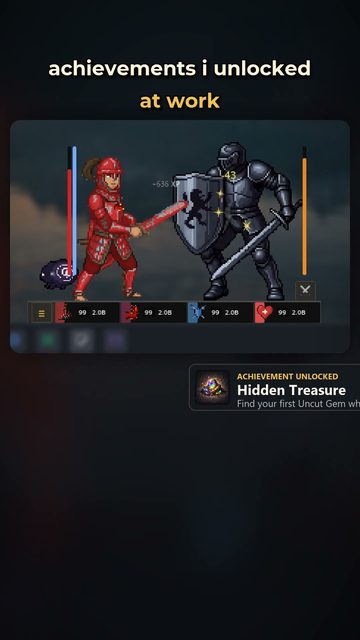
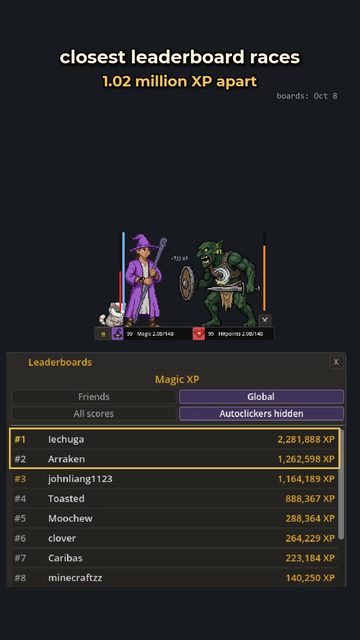
Hit 99 and the fireworks go off. A collection log tracks more than 500 items to find, 98 achievements mark the milestones, and 26 Steam leaderboards show how you stack up against everyone else putting in the hours.
And then there are the pets: fourteen of them, mega-rare, trailing your character around the desktop once you find one.


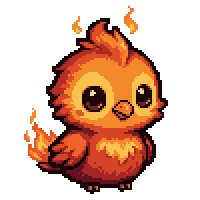

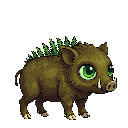
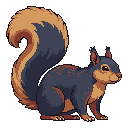
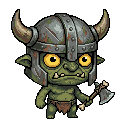


It lives on your desktop.
RuneClick isn't a window you switch to. It's a transparent overlay that sits on top of your taskbar while you work, browse or play other games. It's a companion, not a distraction.
- Click straight through it to whatever is underneath
- Drag it anywhere, scale it from 50% to 150%
- Keyboard, mouse and controller input all count
- Launches with Windows and never steals focus
- Saves automatically, with Steam Cloud
- Three separate characters per PC
Mod everything.
Add new skills, items and recipes with simple JSON files, or write GDScript mods with access to every system in the game. Share them on the Steam Workshop. A complete template mod with an example skill is included to get you started.
Read the modding guide →See it in action.
Clips, art and dev notes.
New art, clips and behind-the-scenes bits land on X, YouTube and TikTok first. The full write-ups go in the devlog.
Questions people ask.
Does RuneClick record what I type?
No. It counts your inputs, but it never records which keys you press, where your mouse is, which program you are using, or the text of anything you type.
For the online leaderboards it sends your progress and a few anonymous statistics about your input, never its content, tied to your Steam ID. The only thing you type that ever leaves your PC is a message you write in the Feedback tab and choose to send. The details are in section 9 of the license agreement on the Steam store page.
Do my inputs count while I am using another program or playing another game?
Yes, that is the whole idea. While RuneClick is open, your keyboard, mouse and controller input trains your character, whatever window you are working in.
Will it get in the way of my other games?
When a game takes over a screen in exclusive fullscreen, RuneClick steps out of the way so the game gets it. Over borderless and windowed games it stays on top, and you can click straight through it. Always on top can also be switched off in Settings.
Does my character keep leveling while I am away?
No. There is no autoplay and no offline progress. Every level comes from your own input, and when you walk away, your character waits for you.
Will it slow my PC down?
RuneClick is a small 2D pixel-art overlay built to sit on your screen all day next to your work. It never steals focus from what you are doing, and you can scale it from 50% to 150% and turn the visual effects down in Settings.
If it ever feels heavy on your machine, send a note from the Feedback tab in Settings. It goes straight to the developer.
What do I need to play?
A Windows PC and Steam. It works on a single screen or across several monitors, and it adjusts by itself when a monitor is plugged in or unplugged. There is no Mac or Linux version.
What languages is it in?
Nine: English, Spanish, Brazilian Portuguese, German, French, Russian, Simplified Chinese, Japanese and Korean.
Can I mod it? Does that affect the leaderboards?
Yes. Mods can add skills, items and recipes, from simple JSON files up to full GDScript, and you can share them on the Steam Workshop.
Mods that change experience pause leaderboard uploads for your main character, and the game warns you first. Each PC also holds two sandbox characters that never touch the leaderboards, which are ideal for experiments.
Is my progress safe?
RuneClick saves automatically, and your main character is backed up with Steam Cloud. If a save ever cannot be read, the game keeps a rescue copy and shows a recovery screen instead of starting over.
How do I report a bug or suggest something?
Use the Feedback tab in Settings: pick Bug or Idea and it goes straight to the developer. You can also email hello@voskgames.com.
Is there a RuneClick community?
Yes, the official RuneClick Discord. Show off where your character lives on your desktop, share your drops and 99s, and post bugs and ideas where they won't scroll away. Verify with Steam to get a role for your total level, and look up any item, monster or skill right in chat.
Join with the Join the Discord button in the Feedback tab in Settings, or at voskgames.com/discord.
Development, in the open.
 newsFree RuneClick WallpapersThe stone hall and the new logo as wallpapers for your desktop, phone and tablet. 29 sizes, all free.
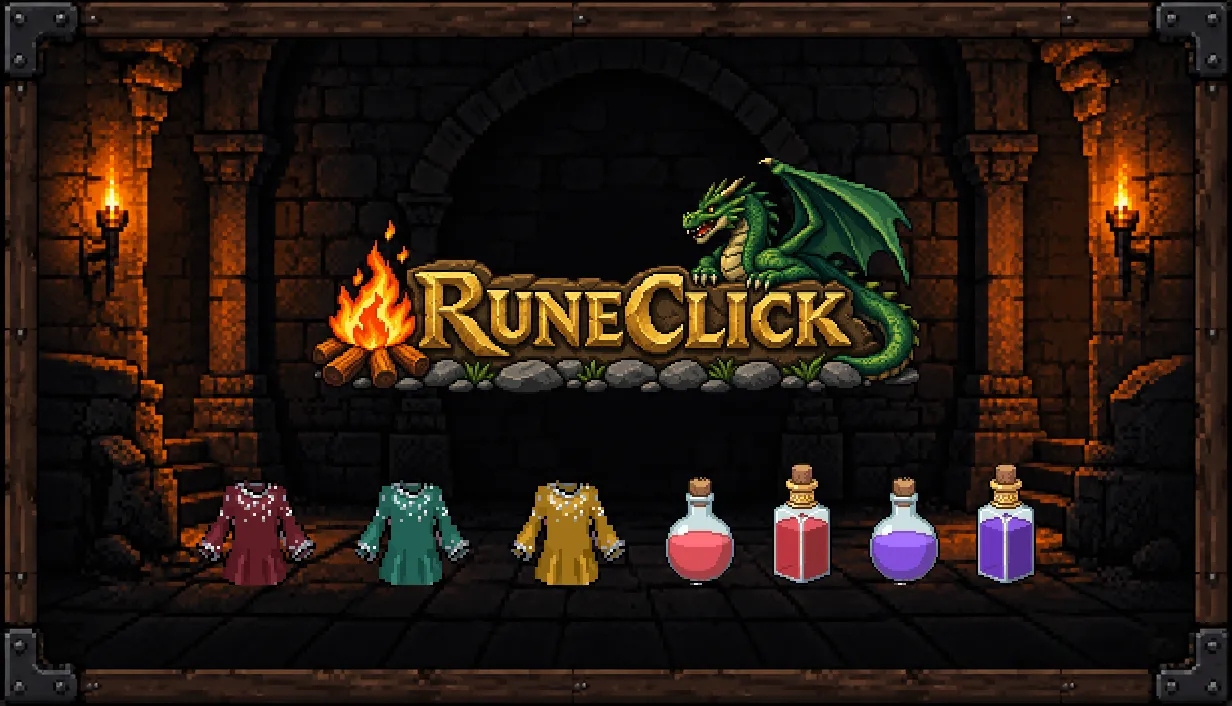 updateUpdate 3.1: The Polish UpdateNo new skills this time. An official Discord, selling in the shop, fewer clicks for common things, a game that tells you more, a balance pass across the skills, three new Magic robe sets, and an art pass on the pieces that fell behind the rest.
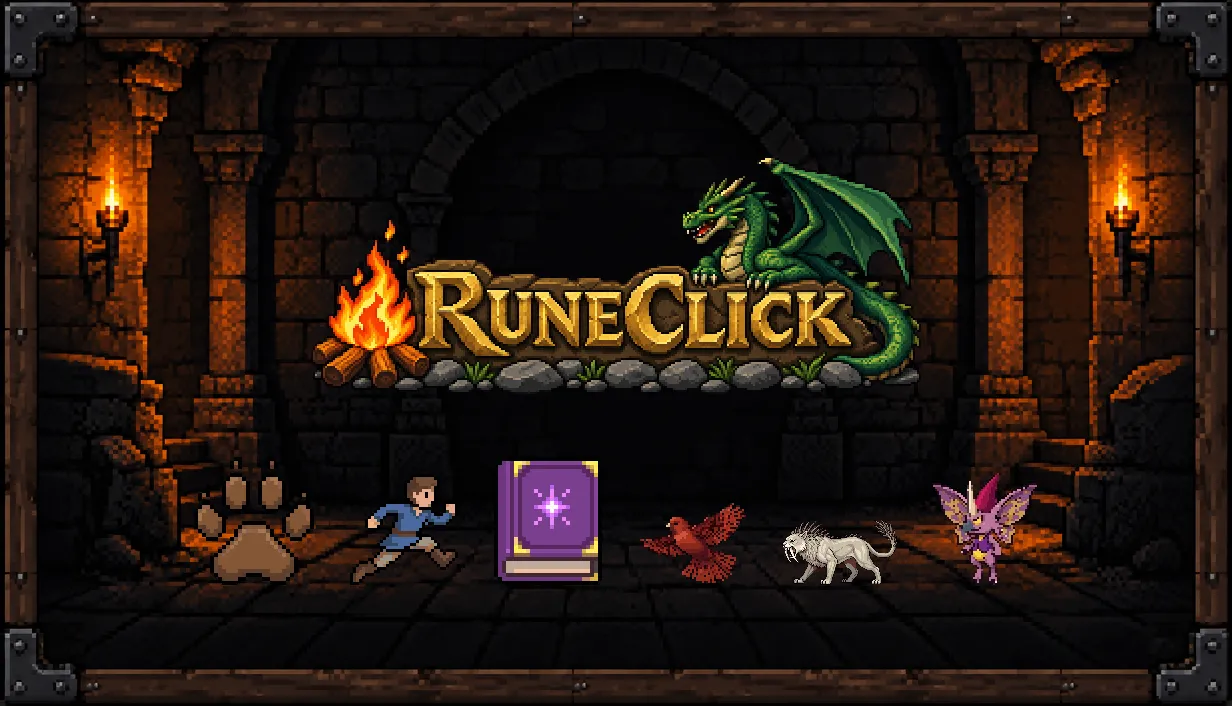 updateUpdate 3.0: Hunter, Agility, Crossbows and MoreHunter and Agility are the 22nd and 23rd skills, and they complete the roster. Also new: Spellcraft, crossbows and enchanted bolts, salamanders you fight with, three new hide tiers, a bigger kitchen, three character slots and feedback straight from the game.
Buy it once. It keeps growing.
RuneClick is built by one developer, Vosk. Update 3.0 completed the skill roster at 23, and from here the game grows deeper inside the skills you already train.
Patch notes by email
A short email when there's a real update, not on a schedule. Or follow the RSS feed.
No spam. Unsubscribe anytime.